 orkiva
 Start with the observed failure#
| Symptom | First checks |
|---|---|
| Login fails | Identity provider/local account, callback origin, session and MFA state. |
| No clusters | Connection enablement, user role scope and configured cluster identity. |
| Resource list forbidden | Orkiva authorization, then the Kubernetes connection’s permissions. |
| Resource kind missing | Optional navigation setting, resource registry and API availability in the cluster. |
| Logs/terminal disconnect | Session state, container lifecycle and proxy WebSocket support. |
| Metrics empty | Prometheus discovery/URL, reachable service and available metric series. |
| Delivery queued | Workers, quotas, environment concurrency, windows, dependencies and maintenance state. |
| Approval rejected | Current evidence, independent approver, MFA and recent authentication. |
| AI unavailable | Enabled model, conformance, connection, policy limits and network route. |
Collect actionable evidence#
- Record the time, affected version, cluster, namespace, resource or run identifier.
- Capture the exact error code and request identifier when available.
- Inspect the related resource Events, run timeline or dependency-health page.
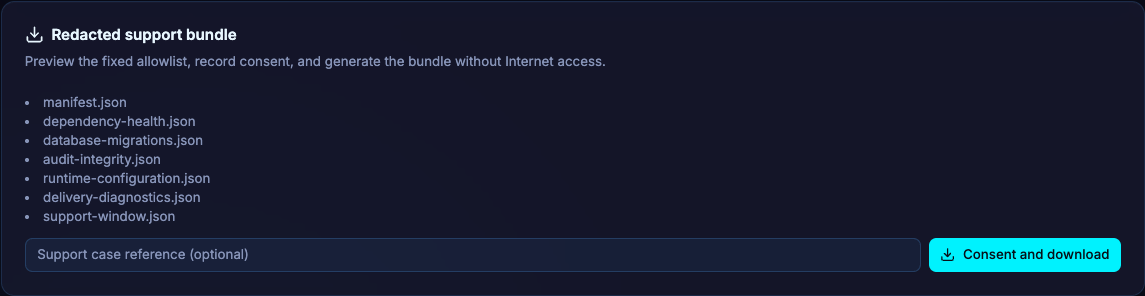
- For an installation issue, download a support bundle through Operations and review it before sharing.
- Describe the intended action and observed result separately.
Avoid compounding uncertain operations#
Do not treat a timeout as proof of failure. An operation may have reached Kubernetes or the database before the connection failed. Inspect current state and the available idempotency/run evidence before issuing another mutation. For unknown-outcome delivery, use its recovery guidance rather than deleting history.