 orkiva
 Inspect platform status#
Open the platform section of Delivery Settings. Review worker/scheduler and artifact-related status together with current policy limits. These settings govern the current Delivery scope; the UI does not mean you are operating a shared vendor-hosted service.
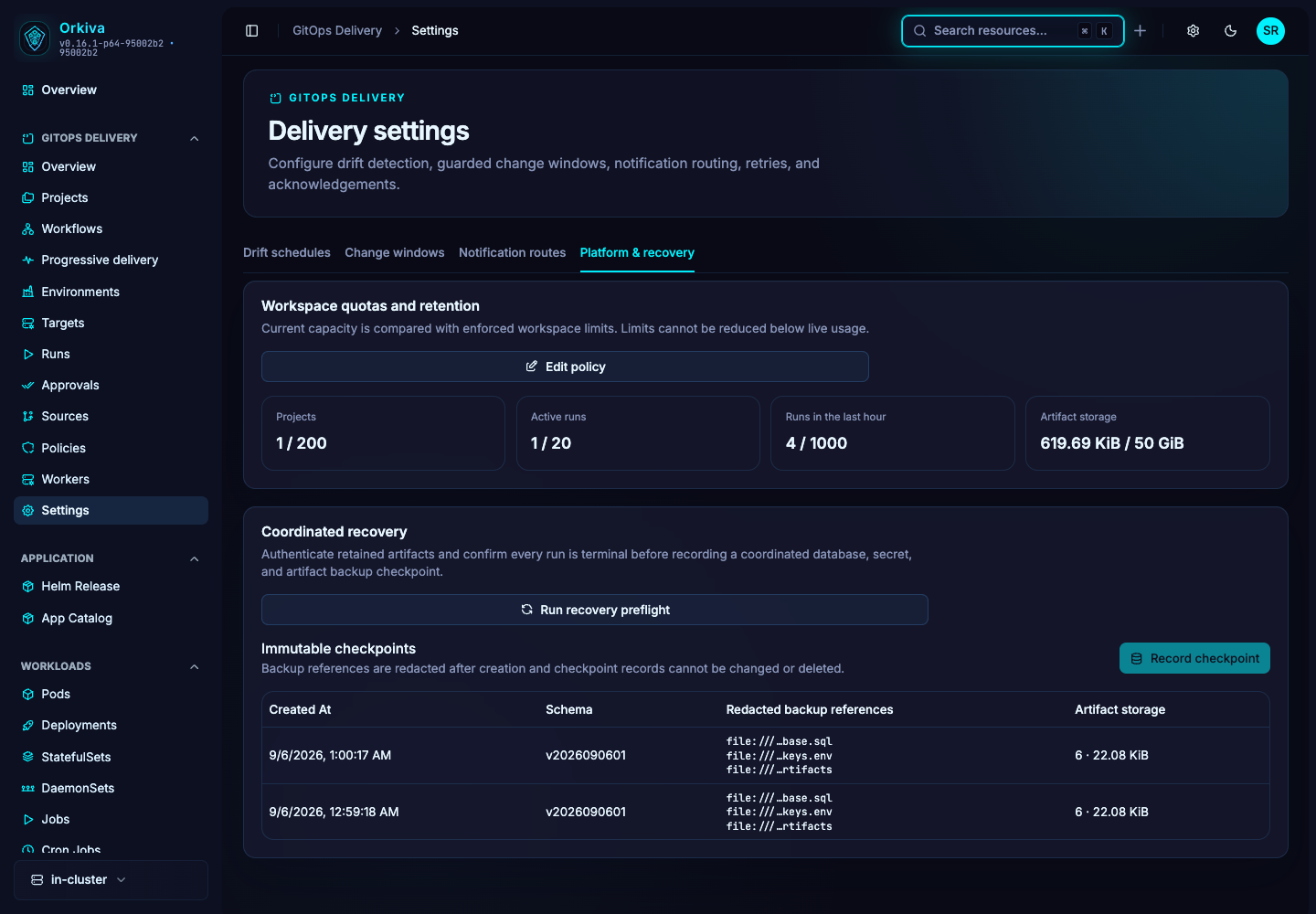
Set quotas and retention#
- Inspect project, active-run, run-rate and artifact-storage limits before changing them.
- Adjust the required limits using the platform policy form.
- Review run, event and artifact retention together. Shorter artifact retention can reduce the retained evidence available for investigation and rollback.
- Save and complete recent reauthentication when requested.
- Verify that the saved values and subsequent run behavior match the intended capacity policy.
Raising a quota does not add CPU, memory, database capacity or storage. Qualify the installation’s workload before increasing concurrency substantially.
Recovery preflight and checkpoints#
- Use recovery preflight to inspect the current recovery requirements.
- Gather the actual backup and artifact-store evidence requested by the checkpoint form.
- Create the checkpoint with accurate identifiers and complete reauthentication.
- Retain the checkpoint together with the coordinated backup and key material required by the installation.
A checkpoint records evidence; entering a reference does not create the referenced database or artifact backup. Use the maintenance and coordinated backup guide for the operator command flow.