 orkiva
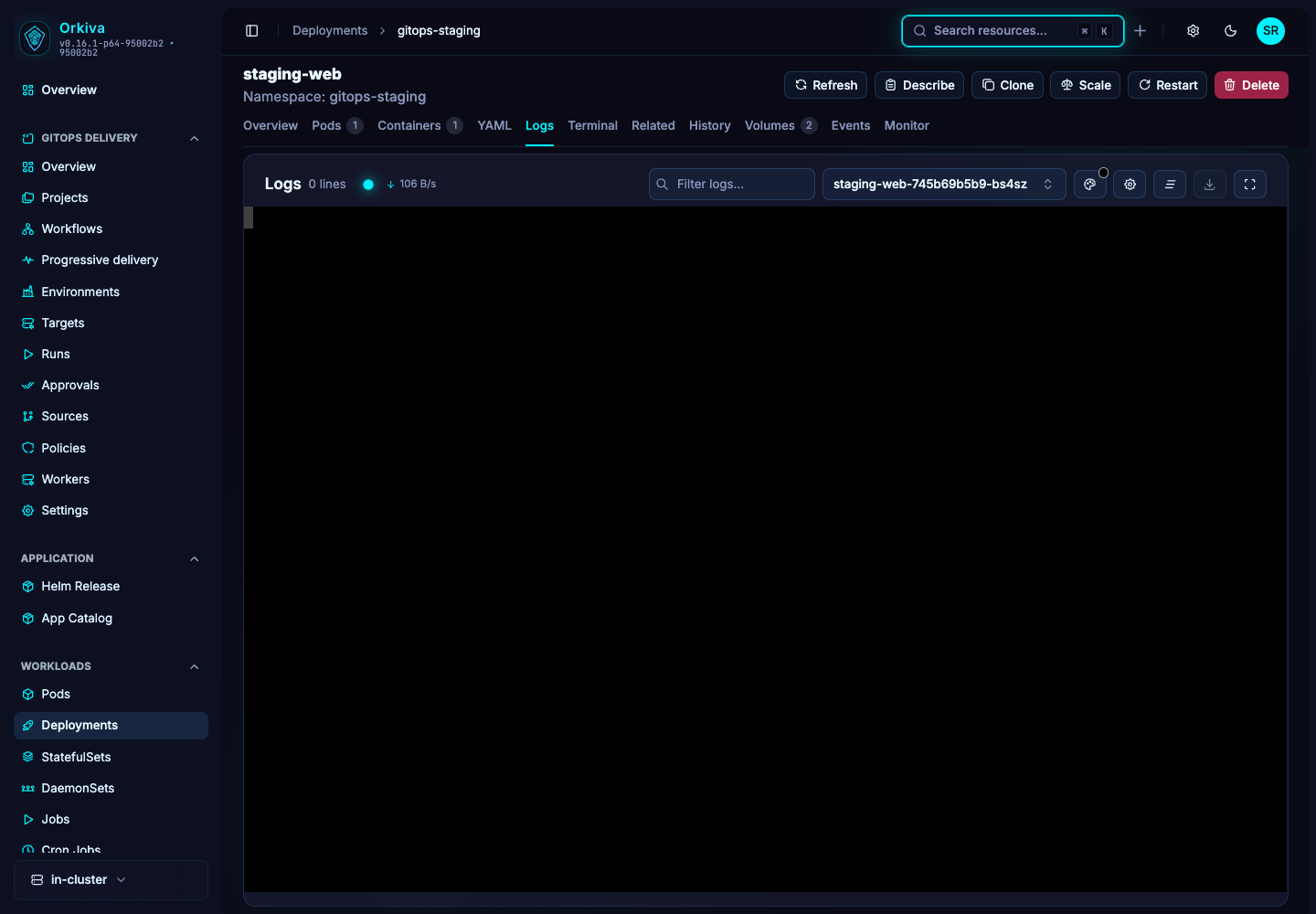
 Open the right stream#
- Open a Pod, or a workload that exposes the Logs tab.
- Select the pod and container when the viewer offers multiple choices. Include the relevant init or application container for the issue you are investigating.
- Choose the historical tail size. The current selector offers 50, 100, 200, 500, 1000 or All.
- Wait for the connection status to show that the stream is connected, then follow incoming output. Changing the container or stream options reconnects the viewer.
Use the viewer controls#
| Control | How to use it |
|---|---|
| Show Timestamps | Enable when correlating output with events or another system. |
| Previous Container | Use for the previous terminated instance of the selected container, when Kubernetes still has those logs. |
| Word Wrap | Wrap long lines rather than scrolling horizontally; Alt/Option+Z toggles wrapping. |
| Find | Use Ctrl/Cmd+F in the log editor to find text in the displayed output. |
| Download | Exports the buffered text to a pod/container-specific text file. It does not query an external logging archive. |
| Display settings | Adjust font size and available presentation settings to make long sessions readable. |
Investigate a restarting container#
- Check the pod’s restart count and current state.
- Select the failing container and enable Previous Container.
- Look near the end of the output for the failure, then compare its timestamp with the pod Events tab.
- Switch back to the current instance to see whether the same failure is repeating.
When logs are missing#
- An empty result can mean the container has not written output, the previous instance has no retained logs, or your selected container is incorrect.
- A disconnected WebSocket can be caused by an expired session or a proxy that does not pass WebSocket upgrades.
- Access to a pod list does not automatically grant access to pod logs. Check the log permission and Kubernetes connection permissions.
- For long-term retention and cross-system searching, use your logging system; this viewer is a live Kubernetes log interface.
A practical workload troubleshooting sequence#
Start with the selected cluster and namespace, then identify the affected Pod and container. Record the incident time and workload name so observations from different views can be compared.
| What you observe | Where to look |
|---|---|
| Container repeatedly restarts | Inspect its state and restart count, then enable Previous Container in Logs. Compare the last output with Pod events and termination details. |
| Pod has not started | Read Pod events first. Scheduling, volume mount or image-pull failures can occur before application logs exist. |
| Pod runs but is not Ready | Review readiness-related events and application output. A running process can still fail its readiness checks. |
| Only one replica fails | Select that exact Pod and container. Compare its output and events with a healthy replica instead of assuming a workload-wide failure. |
Enable timestamps for correlation. Download the displayed buffer if you need to preserve it, and remove sensitive output before sharing. The download is not a complete historical archive. Follow the Pod guide and Deployment guide to inspect the associated resource state.
Verify the result after a fix#
Return to the same workload and confirm readiness, observe whether restart counts continue increasing, and compare current logs with the incident. If GitOps manages the workload, make the intended configuration change in its source and review the resulting run. Do not treat a temporary manual edit or an empty log view as proof the issue is resolved.