 orkiva
 Available delivery strategies#
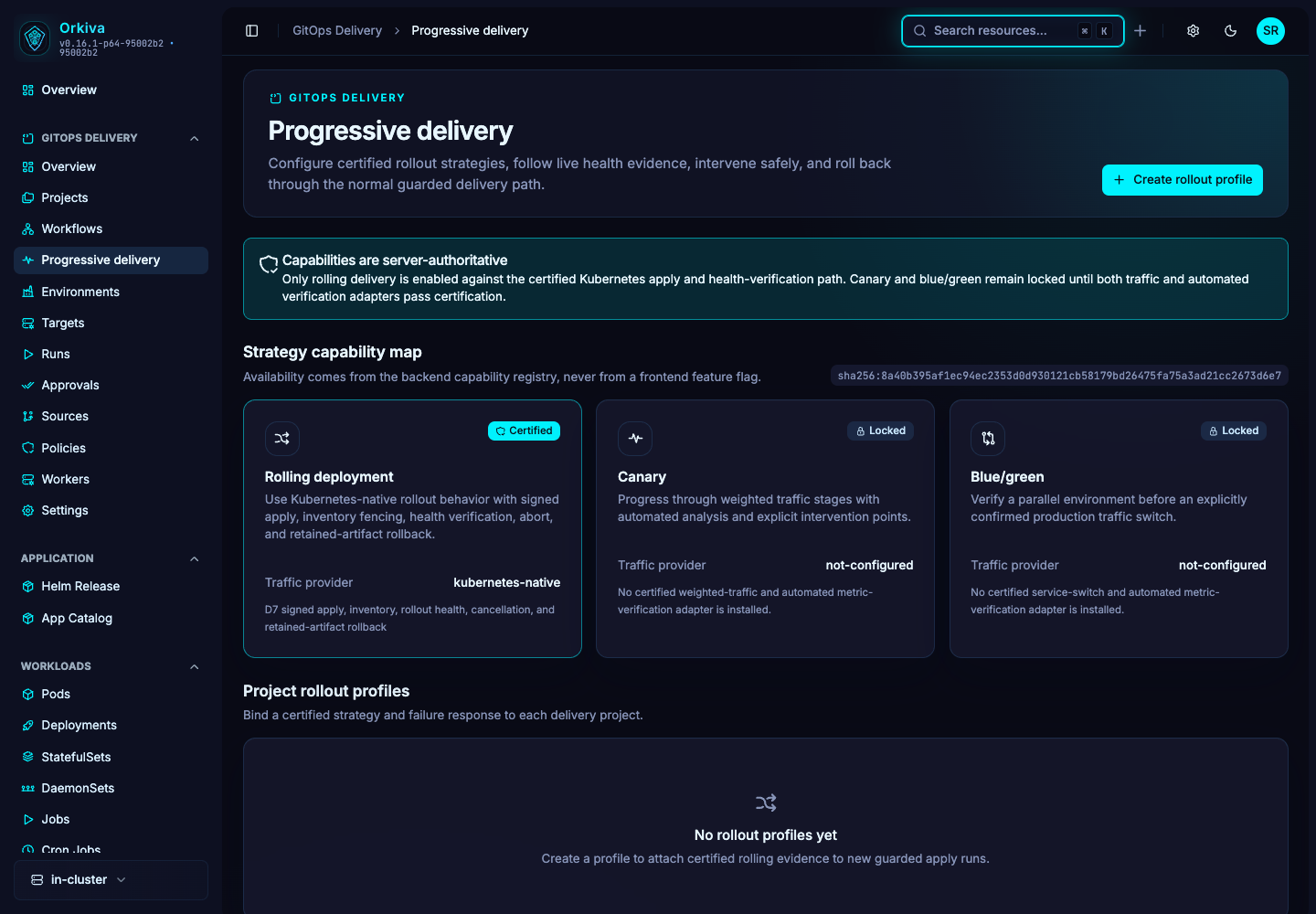
Open Progressive delivery and read the capability cards. Orkiva supports Kubernetes-native rolling delivery with Kubernetes health verification. Canary and blue-green strategies are currently unavailable. Prometheus analysis is also unavailable as a rollout decision provider.
Capability labels describe the available delivery integrations. They do not represent an external certification of your installation.
Create a rolling profile#
- Create a profile with a name and project.
- Set required healthy seconds between 0 and 240. Choose manual handling or rollback as the failure action.
- Set the profile active when it is ready to govern the project.
- Save and inspect the next applicable rollout’s profile, desired revision and verifier.
The supported rolling profile uses a single 100% traffic stage with automatic advance. Percentage-based canary traffic splitting and manual multi-step traffic progression are not supported.
Follow a rollout#
Open the rollout to inspect state, health observations, evidence digests, desired/stable revisions and any recovery run. The history explains what the verifier observed. A healthy interval is part of the configured rollout decision; it is not a substitute for your application’s full acceptance tests.
Abort and recover#
- If intervention is required, use Abort when offered and supply a reason.
- Inspect the final observation and target state; abort does not guarantee that no change reached Kubernetes.
- Use the available rollback action only when its retained evidence and current state support recovery.
- Follow the linked recovery run through verification before declaring the rollback complete.