 orkiva
 Define project dependencies#
- Open a project’s dependency management view.
- Select the upstream project and required state.
- Save, then inspect the upstream/downstream relationship in the summary.
- Verify the relationship describes a real prerequisite. Remove obsolete dependencies through the available action.
Dependencies gate delivery order. They do not transfer manifests or automatically merge two projects into one application. Avoid circular relationships and inspect validation errors before saving.
Preview a promotion#
- Open the environment matrix or a retained release’s promotion entry.
- Choose the source release and an eligible destination project/target.
- Run the promotion preview. Inspect the source commit/artifact relationship and destination-specific changes.
- Resolve scope, target, policy or dependency failures before creating the promotion.
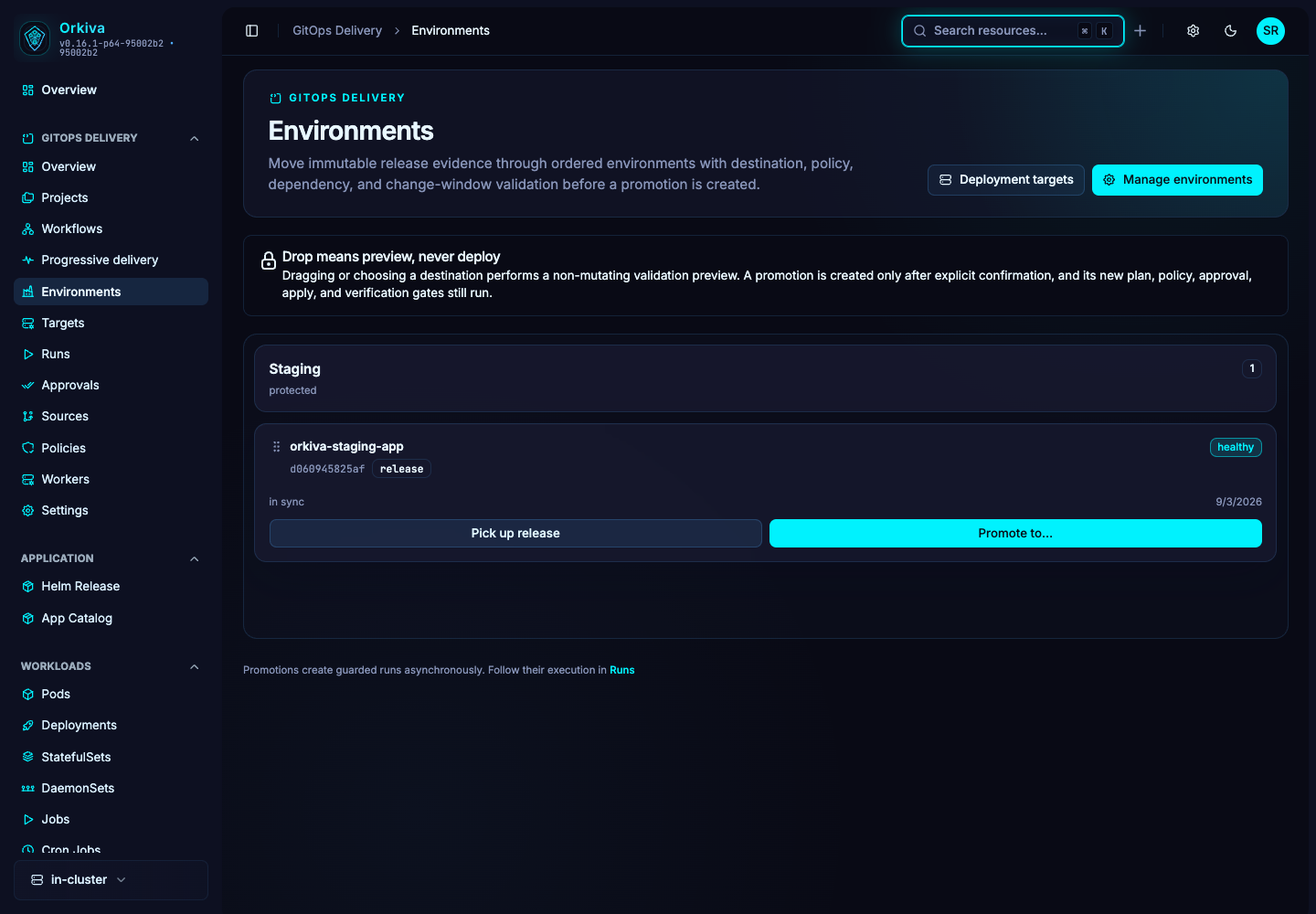
Create and follow the promotion#
Create the promotion only after reviewing the preview. Open the resulting promotion and child run records. Follow each destination’s plan, approval, execution and verification. A created promotion record means orchestration was requested; it is not proof that all destinations are deployed.
A promotion should preserve the intended release provenance while applying destination-specific configuration. Do not assume it means “deploy the latest branch tip” or that a source environment’s approval automatically approves the destination.
Recovery#
If one destination fails, inspect that destination’s run and live state. Determine whether subsequent work is blocked by dependencies or already started. Use the run’s offered retry, rollback or reconcile actions; do not recreate the entire promotion blindly.