 orkiva
 What you need#
Have the Orkiva URL, the one-time setup token from your installation operator, and a kubeconfig that the Orkiva server can use. If Orkiva runs inside Kubernetes, you can choose its in-cluster connection instead. The Kubernetes service account must have the access your team needs.
When ORKIVA_SETUP_TOKEN is configured, the setup window lasts 30 minutes after Orkiva initializes its authentication service. Keep the token out of shared screenshots and logs.
Create the first administrator#
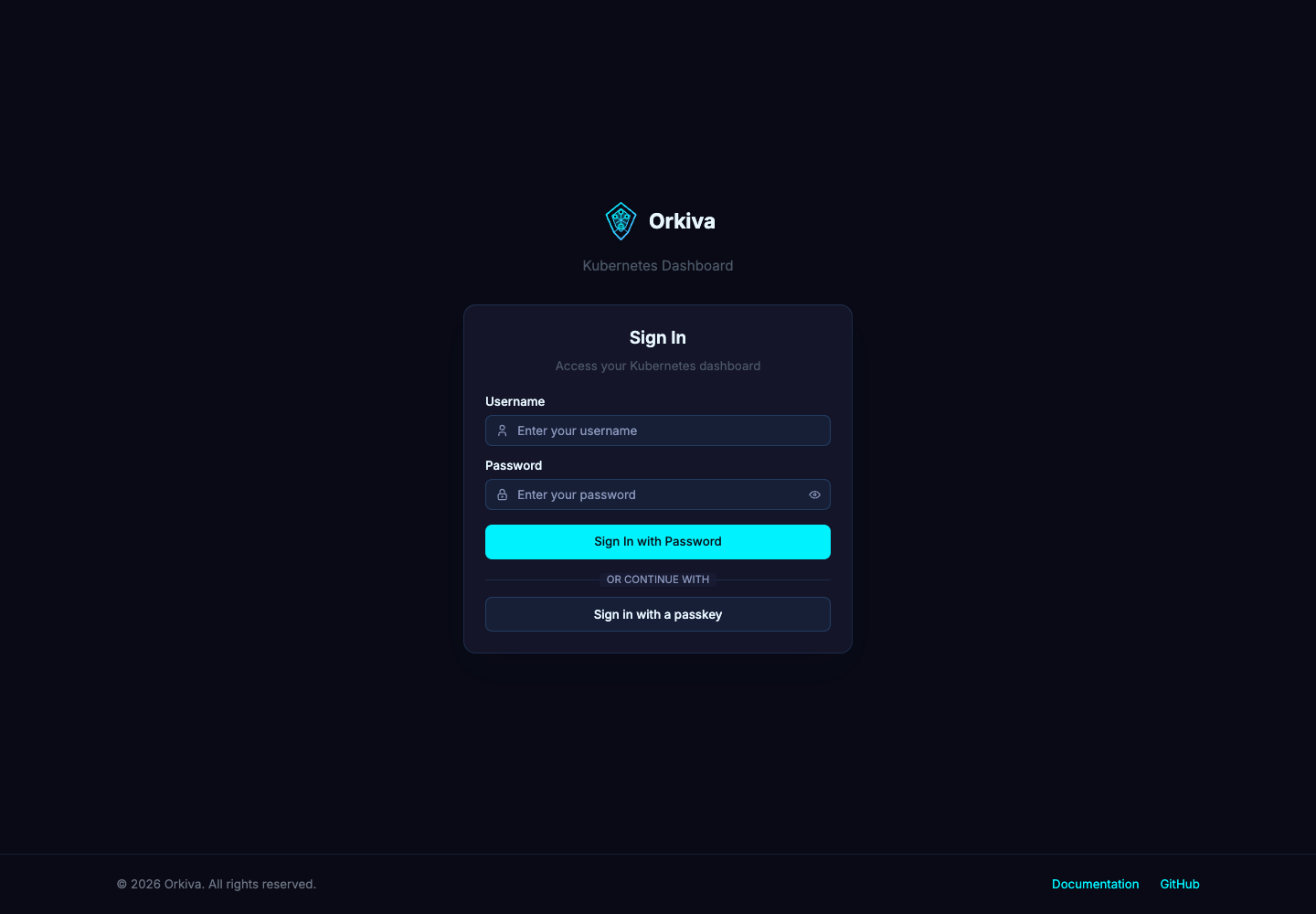
- Open your Orkiva URL. An incomplete installation leads to the setup flow at
/setup. - Enter the setup token, a username, a password and its confirmation. The name field is optional.
- Submit the administrator form. The page refreshes the initialization status and checks your authenticated session.
- If the session is not established, sign in at
/loginwith the account you just created and return to setup.
The setup token is checked by the backend. An expired setup window requires the operator to restart the setup process; repeatedly submitting an expired token will not work.
Connect the first cluster#
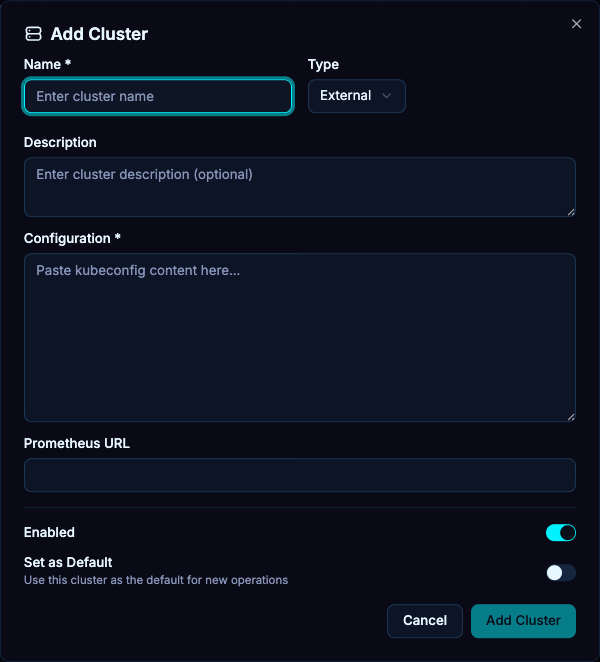
- In the cluster step, paste a kubeconfig or switch to file mode and select a kubeconfig file.
- Alternatively, select the in-cluster option when Orkiva runs in the cluster you want to connect.
- Submit the import. Wait for the setup status to refresh.
- When initialization completes, open the overview and confirm the selected cluster is the intended one.
An empty kubeconfig is rejected unless in-cluster mode is selected. The server, rather than your browser, must be able to reach the Kubernetes API endpoint.
If setup does not complete#
- Invalid setup token: obtain the token for this installation, without including extra spaces.
- Token expired: ask the installation operator to restart Orkiva to begin a new setup window.
- Already initialized: use the login page; first-run setup is not an account recovery mechanism.
- Cluster import fails: inspect the returned error and verify credentials, certificate trust and server-side network reachability.