 orkiva
 Open this resource#
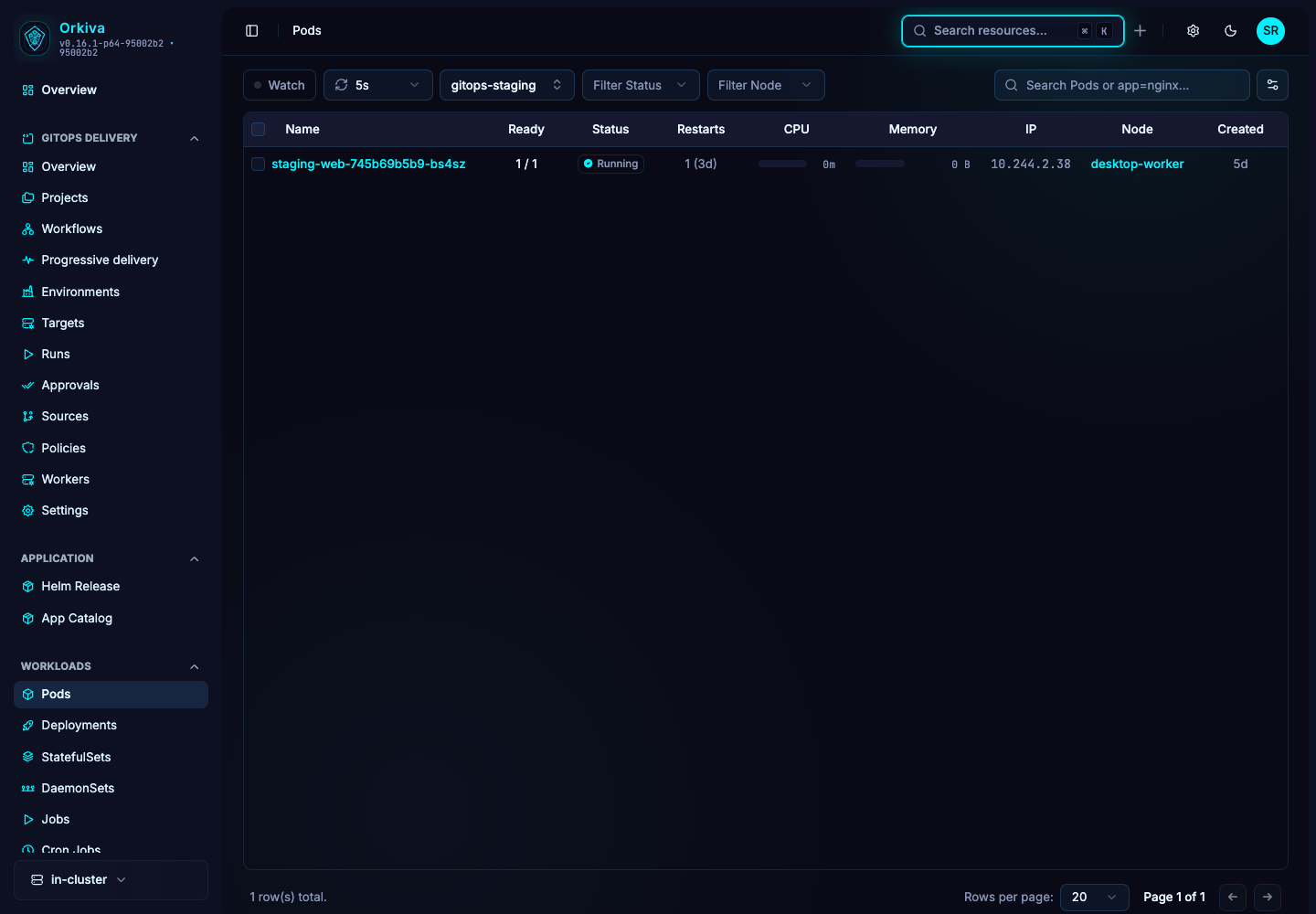
Console route: /pods. This is a namespaced resource; choose the namespace before making a change.
- Select the correct cluster in the sidebar.
- Open Pods and narrow the list using the available namespace/search controls.
- Select the exact object by name. Verify its scope and identity at the top of the detail page.
What to inspect#
Containers, readiness, restarts, node placement, volumes and events.
Refresh the resource when you need the latest observation. Overview fields summarize the object; YAML exposes the complete returned document. A placeholder or missing status field should not be read as a successful or zero-valued result.
Use the available features#
Open Containers to inspect the image and resource settings. Use Logs, Terminal and Files for the selected container. Volumes and Related show the surrounding context. Monitor depends on metrics availability. The Resize Resources action is exposed only when the reported cluster version is at least 1.35.0, containers exist and update access is allowed; the backend/cluster must still accept the resize.
Describe, Clone, YAML editing and Delete are shared resource actions where the page and your permissions allow them. Read Create, edit, clone and delete resources before applying a change.
A practical investigation#
For a restarting pod, select the failing container, read its Previous Container logs and compare the last failure with Events. If a controller owns the pod, fix its pod template rather than expecting a direct pod edit to persist.
- Establish the current state and the symptom you want to resolve.
- Identify whether a controller, Helm release or Delivery project owns the object.
- Make the smallest authorized change through that owner when possible.
- Refresh and verify the resulting resource state. Inspect related objects rather than stopping at a successful save message.