 orkiva
 Choose your starting point#
Orkiva is a web console for Kubernetes operations and GitOps delivery that runs on your infrastructure. These guides explain the console, the permissions needed to use it, and how to interpret the result of each operation.
Start with First login and setup if you have a new installation. If an administrator has already connected your clusters, sign in and select a cluster before opening a resource page.
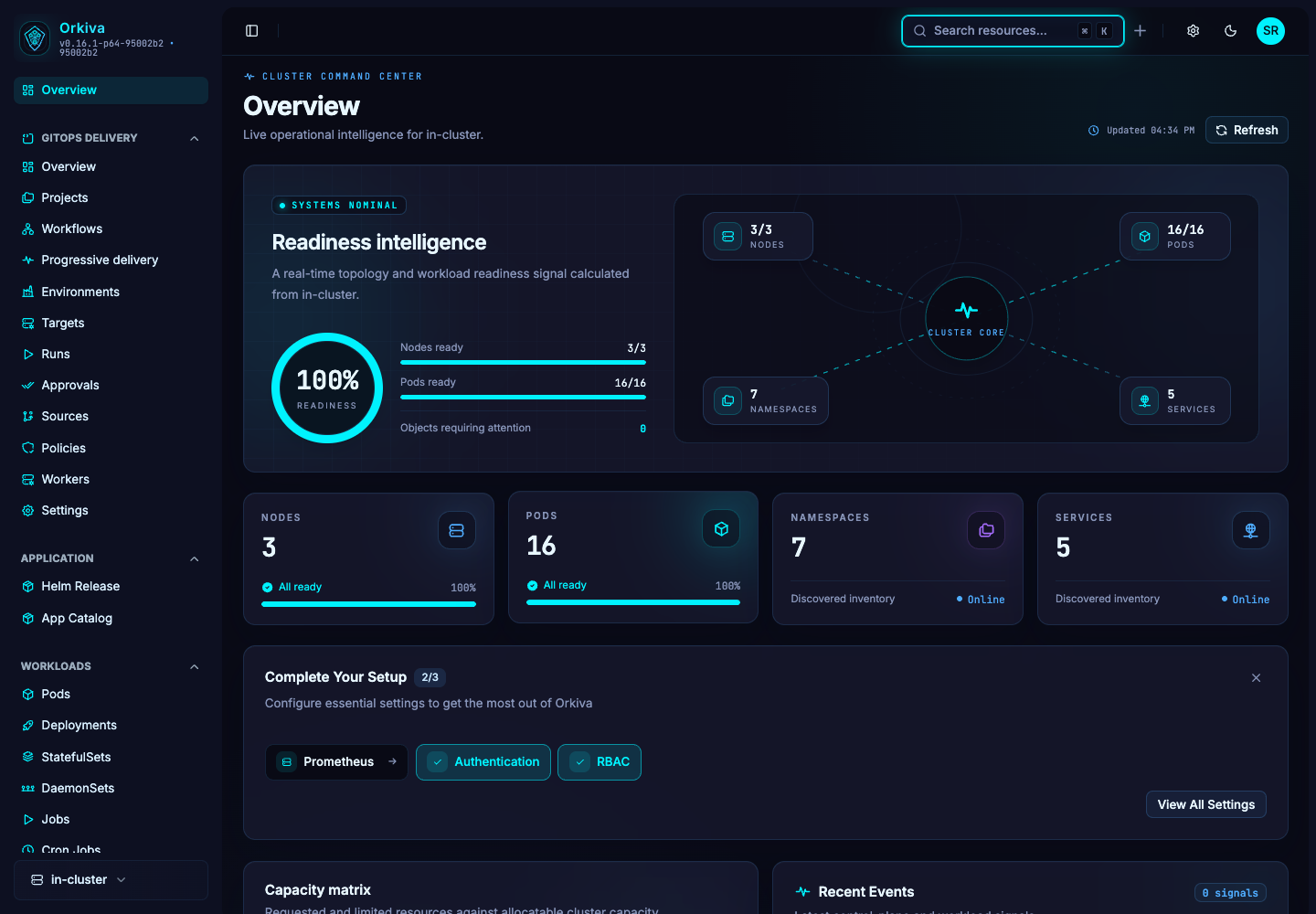
Explore the modules#
How the console is organized#
| Area | What you do here |
|---|---|
| Overview and resources | Inspect cluster health, workloads, networking, storage and Kubernetes configuration. |
| GitOps Delivery | Connect sources and targets, create projects, review plans, approve runs and inspect deployment evidence. |
| Applications | Browse charts and manage Helm releases. |
| Settings | Administrators manage clusters, authentication, roles, users, API keys, AI, operations and audit records. |
Before making changes#
Check the selected cluster and namespace. Orkiva access rules and the permissions of its Kubernetes connection both affect which operations succeed. A hidden control, an authorization error and an unavailable Kubernetes API are different conditions; use the relevant guide to identify which one applies.
Commands and routes in this site describe your Orkiva installation, not this documentation website. Use your own server address and package version when following examples.
Follow a practical learning path#
- Application developer: start with Deployments, logs, Services and chart installation.
- Platform operator: start with installation, cluster connections, access control and backup/recovery.
- Delivery owner: follow first project, plans and runs, approvals and promotions.
- Integrator: read API authentication and retries before writing an automation.
Contact the Orkiva team#
For packages, deployment options and commercial enquiries, email sales@orkiva.tech.
For help with your installation, email support@orkiva.tech. Include your Orkiva version, a description of the issue and the relevant error message. Remove passwords, API keys and other secrets before sharing diagnostic information.